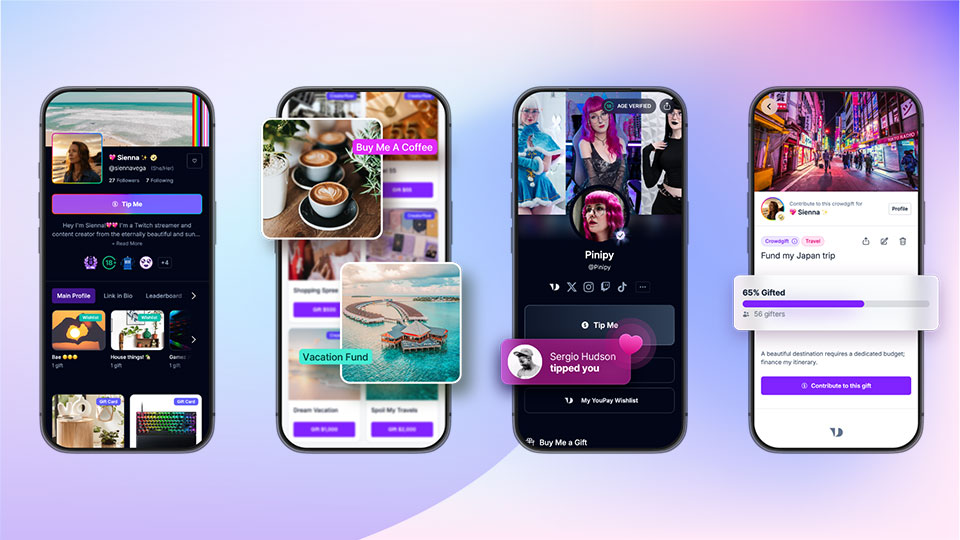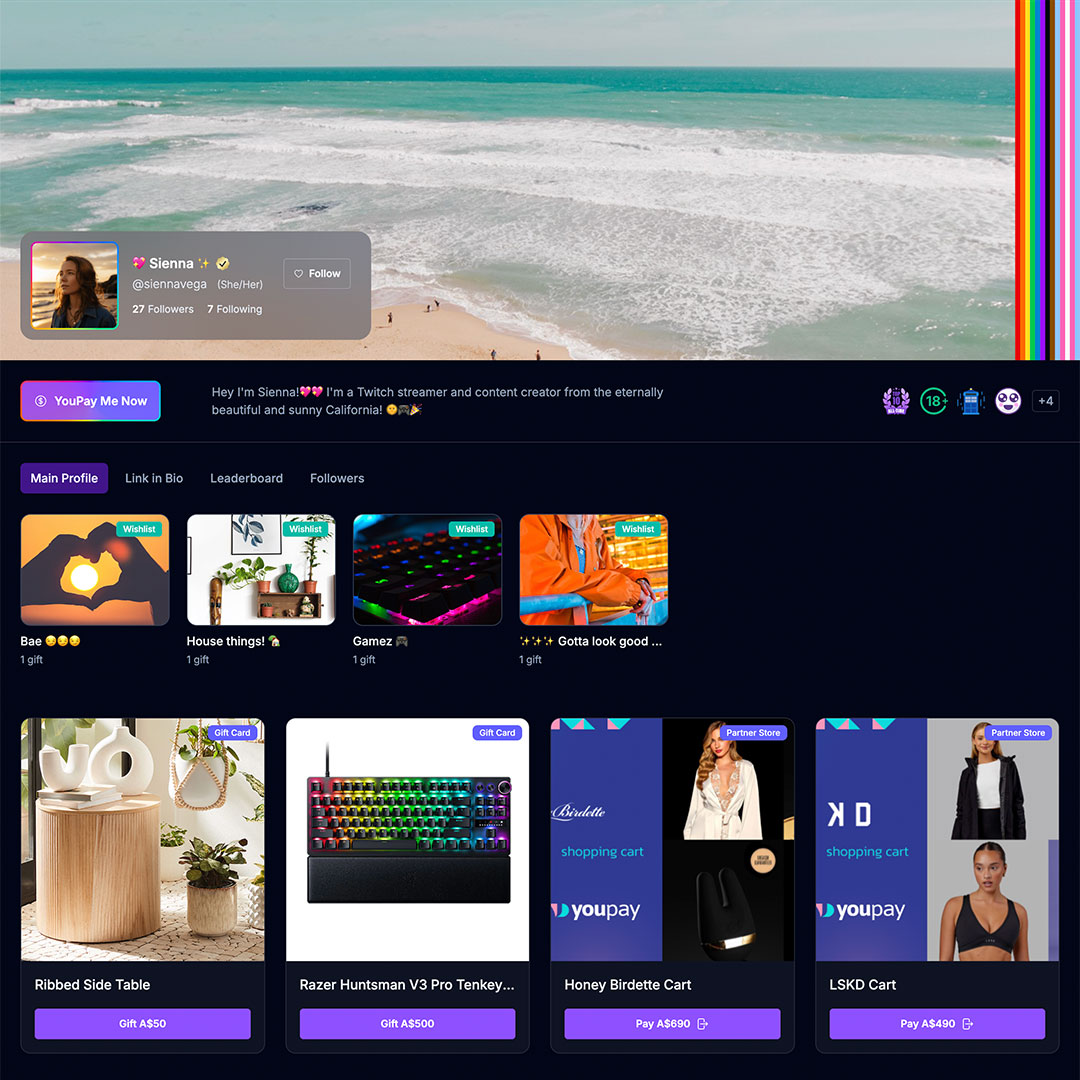
Your wishlist is your storefront. Here’s how to set it up so fans can’t resist hitting “gift” — in about 20 minutes.
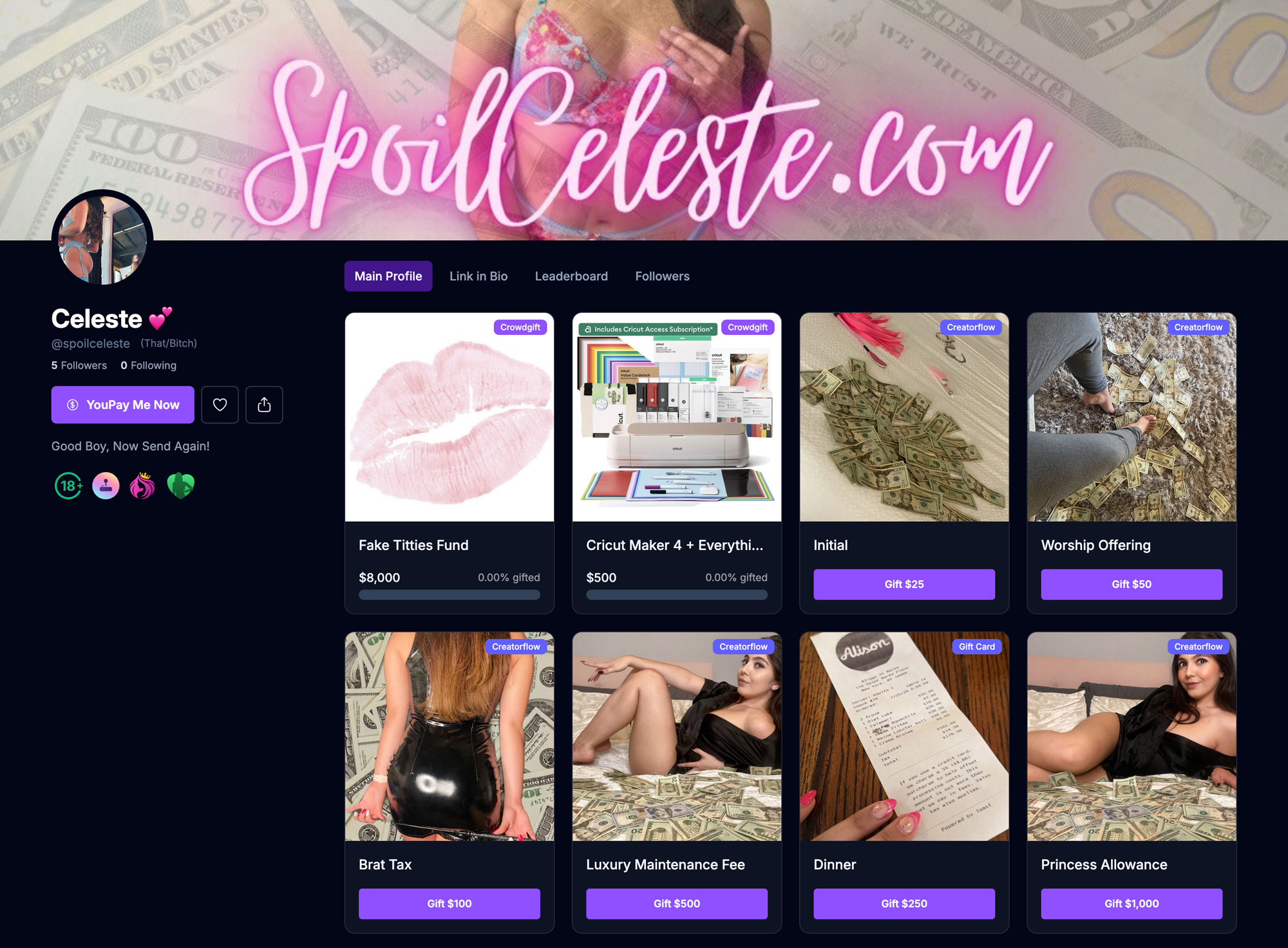
Fans don’t gift wishlists. They gift you. Your personality, your content, your vibe — that’s what turns a follower into a fan, and a fan into a gifter. So your wishlist shouldn’t look like everyone else’s. It should look like you.
Good news: making that happen is fast. Here’s the short version, then the how-to.
TL;DR: 5 Quick Wins (Do These Today)
✅ Add a profile pic, banner, and bio — fans gift people, not blank avatars.
✅ Give every gift a photo, name, and description — “$10 coffee before my shoot ☕” beats “$10” every time.
✅ Pin your top 1–3 gifts — put your best asks front and center.
✅ Set up your cash gifting method — so surprise gifts and requests can actually reach you.
✅ Grab your YouPay Bio link — one link for everything, everywhere you post.That’s it. Do those five and you’re ahead of most new creators. Want the details? Keep scrolling.
Why Customizing Works (The 30-Second Psychology Lesson)
The word “Pilates” means nothing to a fan who’s never set foot in a studio. A photo of you in your matching set heading to class? That he understands — and that’s what gets your session covered.
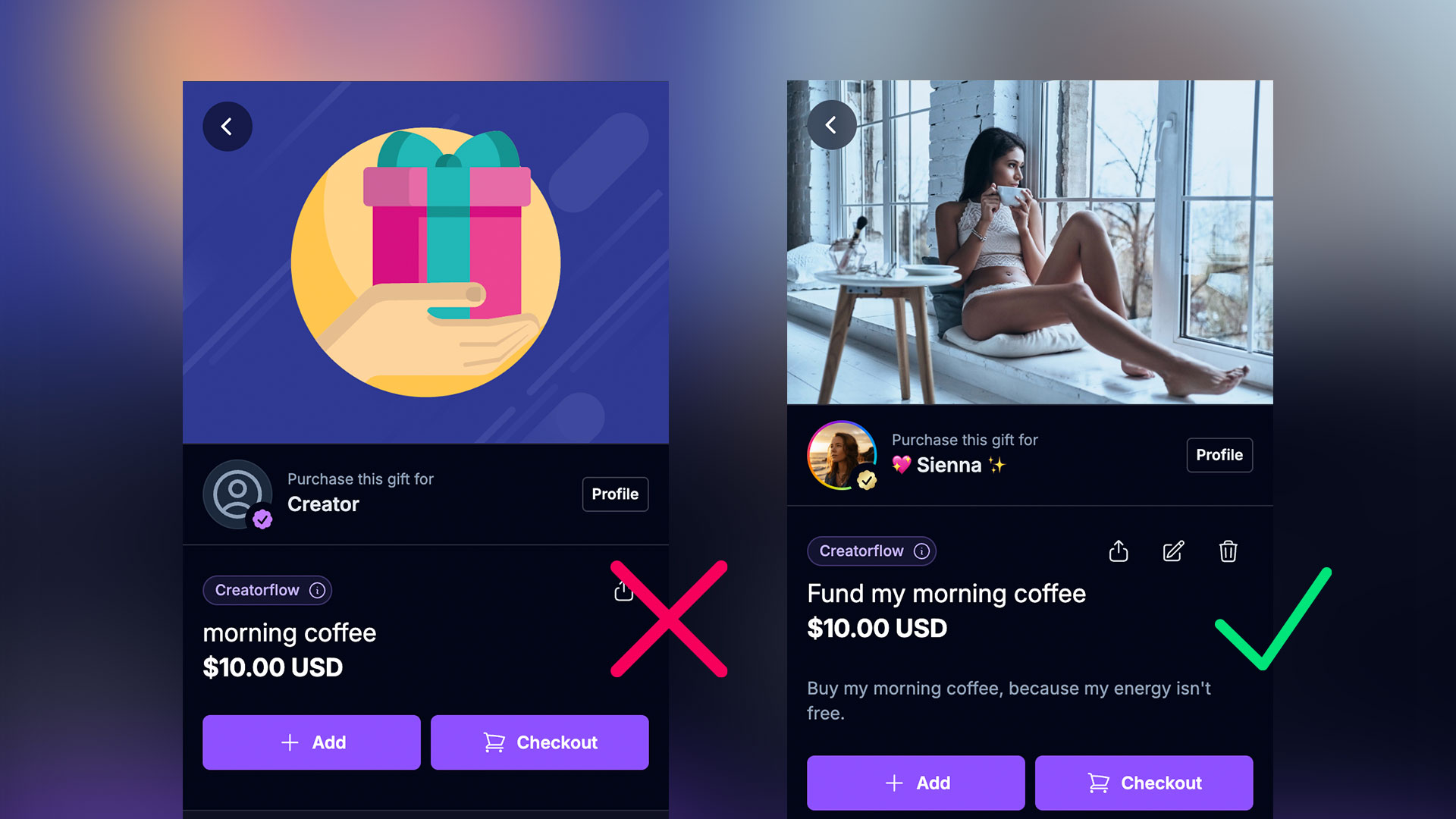
This is basic marketing psychology: speak your audience’s language, visually and in writing. A $10 cash gift is just cash. A $10 “morning coffee” with a photo and a cheeky description is a way to be part of your day. Same money in your account — completely different experience for your fan.
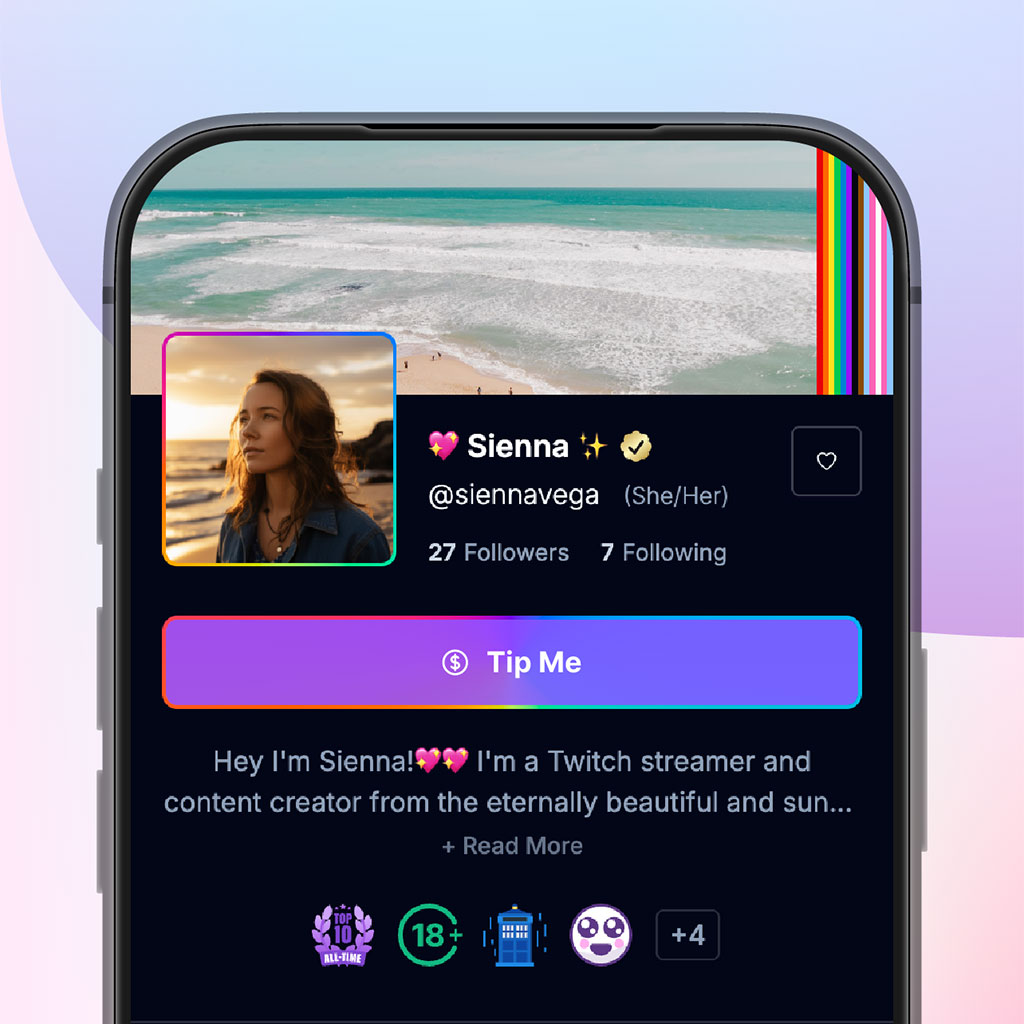
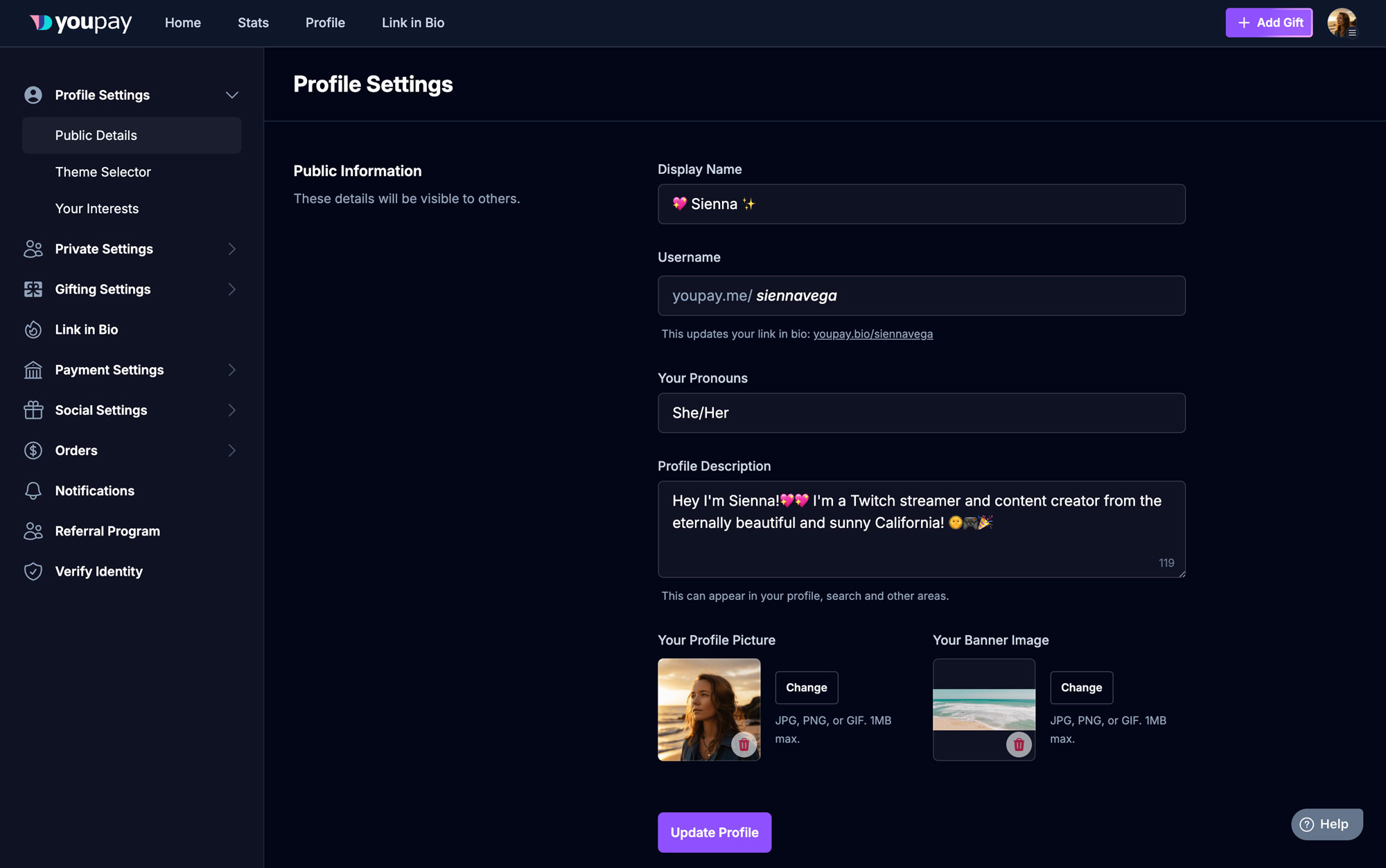
Step 1: Make Your Profile Feel Like You
Head to Account Settings → Public Details and fill in:
- Display name, username, and pronouns
- Bio — who you are and what you’re about, in your voice
- Profile picture and banner image — your brand, front and center
Then hit Interest Badges and pick the ones that fit — couples, FinDom, Whovian, whatever you’re into. Badges give fans instant insight into your world (and great conversation starters).
💡 Pro tip: Under Social Settings, link your socials, clip stores, and fansites — there’s a dedicated OnlyFans section, plus custom links if you’re on ManyVids, LoyalFans, or anywhere else. When we say we’re inclusive of adult creators, we mean it. You can also connect Twitch, X, and Bluesky for automatic gift announcements (and yes, you can customize your autoposts).
Step 2: Turn Gifts Into Stories
Every gift on YouPay — cash, gift card, or partner store item — can have a name, amount, description, and image. Use all four. Every time.
A quick formula that works:
- Name: make it personal — “Fund my Friday latte,” not “Coffee”
- Photo: show yourself with or near the thing whenever you can
- Description: one or two lines on what it means to you or what fans get out of it (a shoutout, a story post, bragging rights)
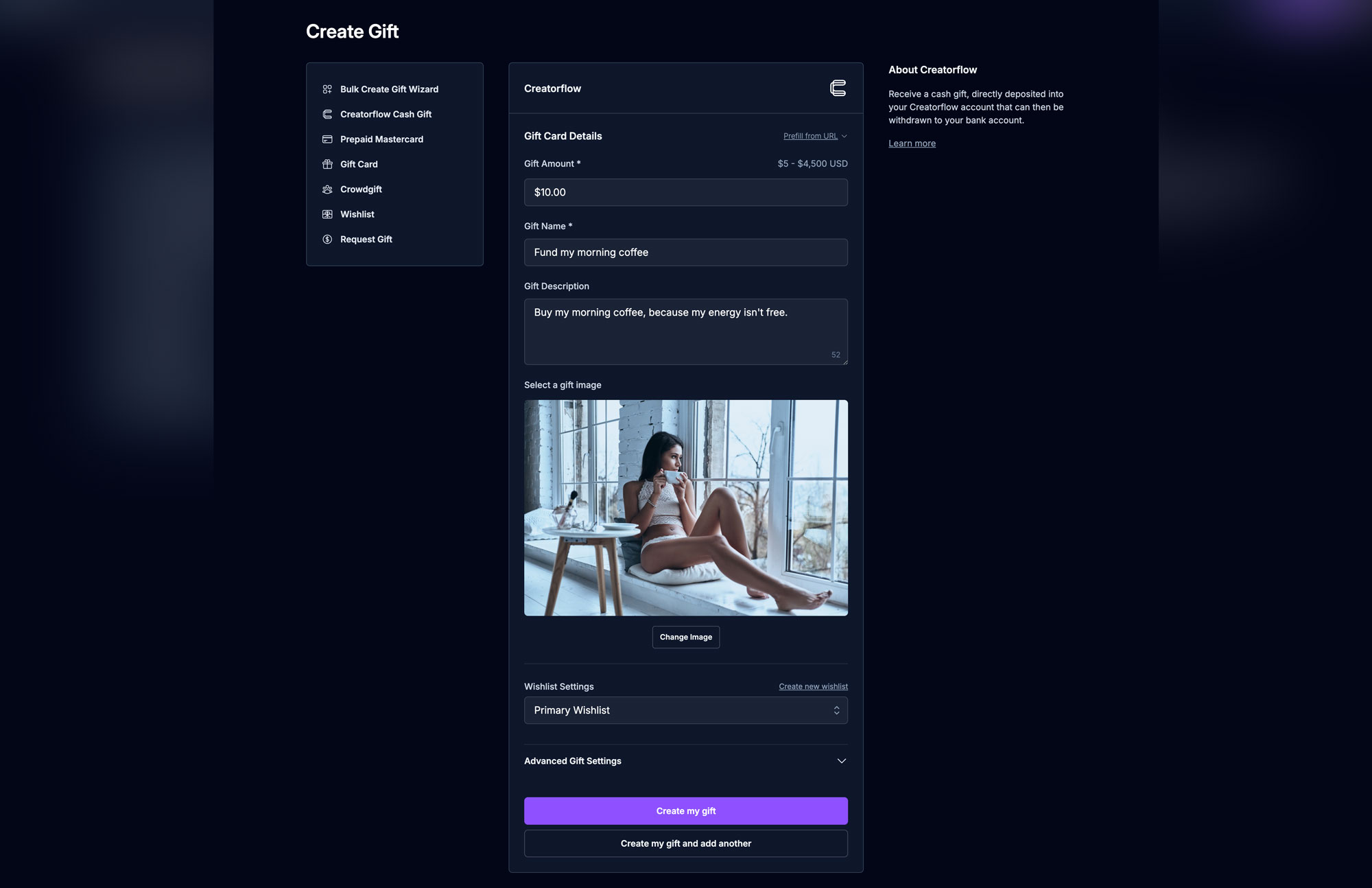
Adding a batch of gifts at once? The Bulk Create Gift Wizard lets you drop in premade cash gifts by category — gamer, lifestyle, financial domination, and more — in a couple of clicks.
Step 3: Choose How You Get Paid
You’ve got options, and they vary by region. The quick rundown:
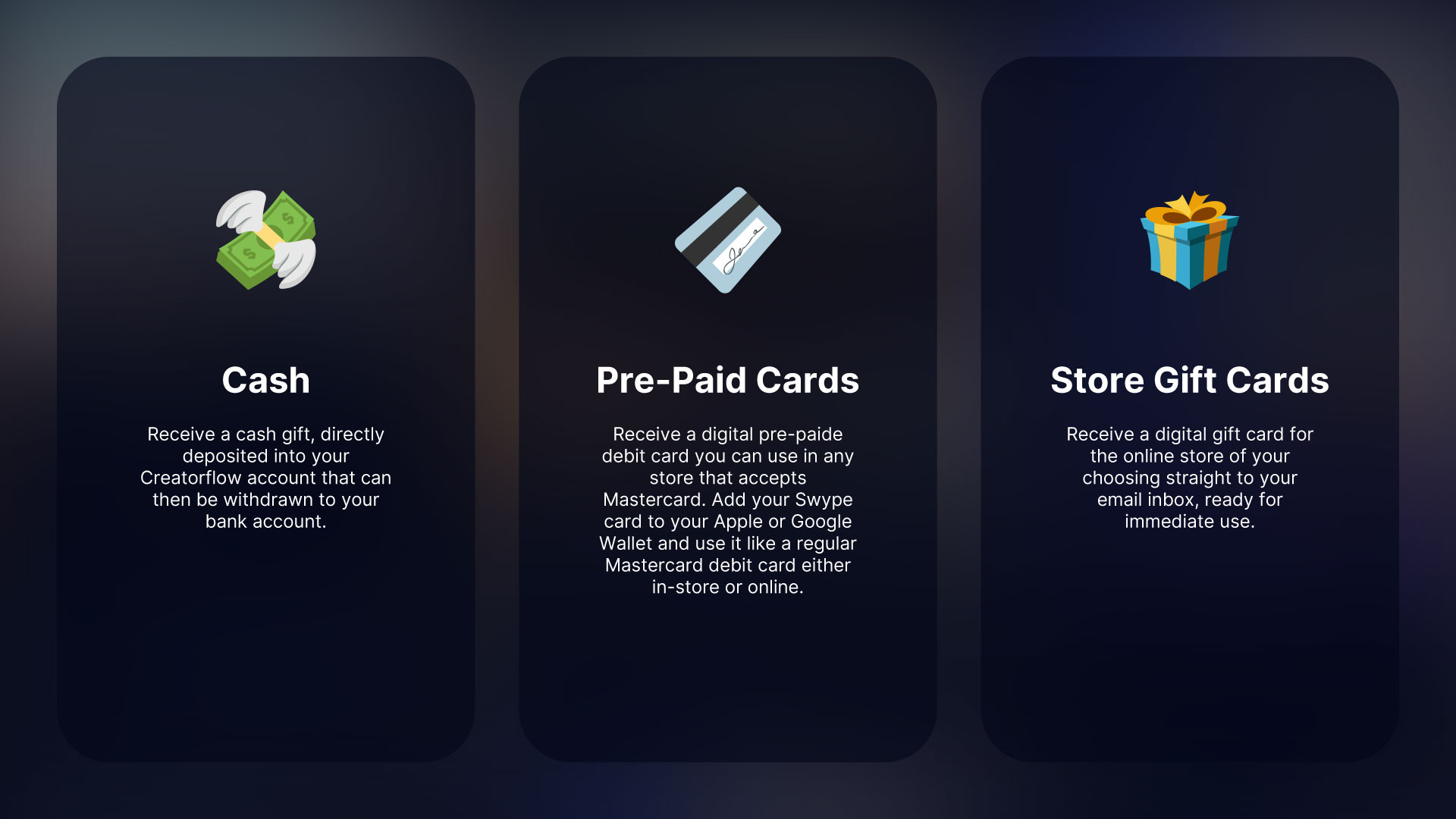
- Creatorflow — available globally, proudly adult-creator friendly, with instant or same-day payouts. Unlocks custom cash request links (fans can send more than you ask, never less 😉), surprise “YouPay Me Now” gifts, and crowdgifts multiple fans can chip into.
- Borderless — direct-to-bank cash gifting, available internationally.
- Runa Pay to Card — instant payouts straight to your debit card, up to $10,000. Available in the US, UK, and parts of Europe.
And then there’s gift cards — girl math’s best friend. 💅 Visa and Mastercard prepaid cards are issued instantly, work for online shopping, and can be added to Apple or Google Wallet in most regions. Store gift cards — thousands of them, Amazon to Uber Eats — land straight in your email, ready to use. Getting your filming lingerie gifted instead of paid out of pocket? That’s just good math. Browse the full gift card range here, and if your country’s missing options, reach out — we’re always expanding.
Step 4: Curate Like a Pro
A tidy wishlist converts better. Three tools to know:
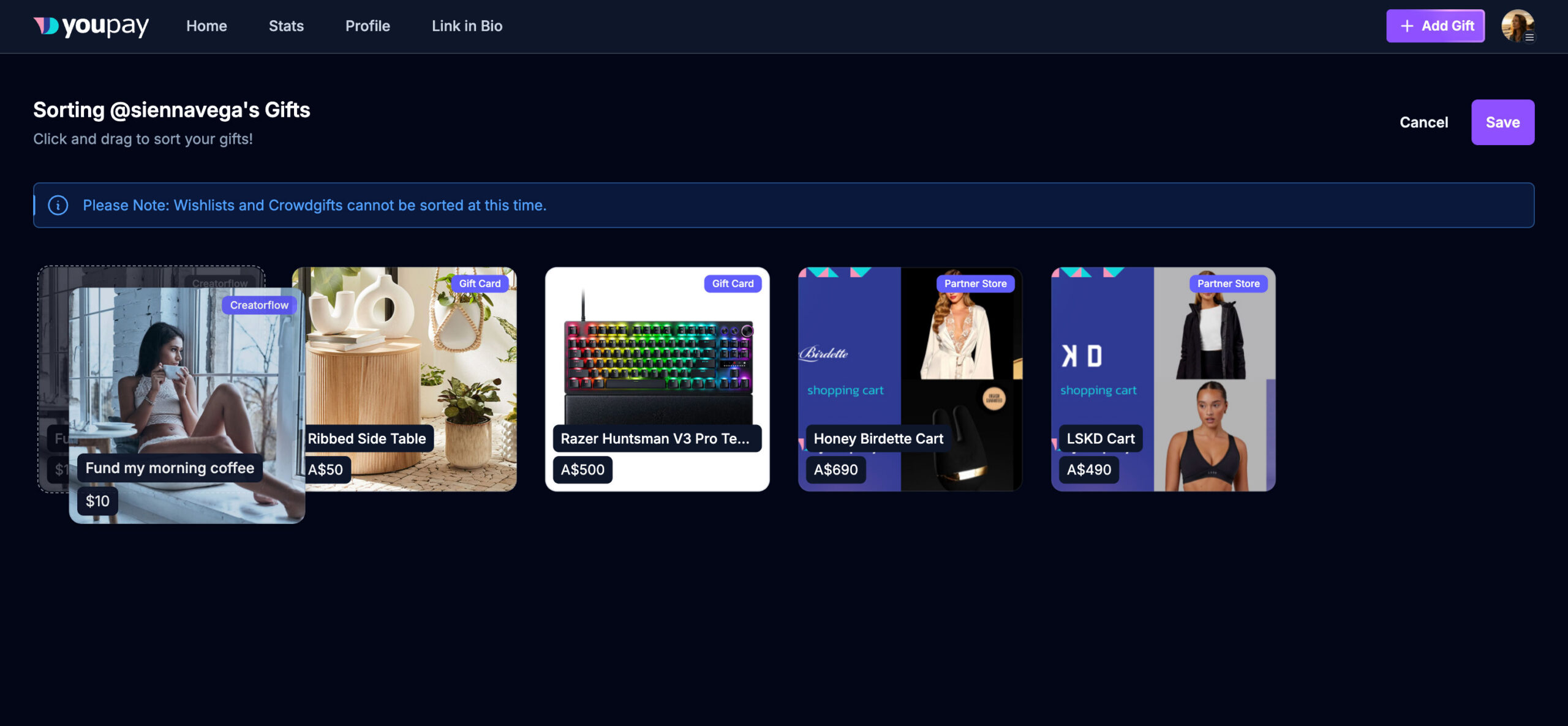
- Pin your best gifts. Click the three dots on any gift → Pin/Unpin to lock it to the top of your profile. Use the up/down arrows (top left of each gift) to fine-tune the rest of the order.
- Create secondary wishlists. Under your Add Gift tab, select Add Wishlist — give it its own title, description, and photos. Perfect for themes: “Shoot Fund,” “Spoil Me,” “Gamer Gear.”
- Use hidden gifts. List a gift on “no wishlist” and it’s invisible on your profile but shareable by direct link — great for sending a fan a private ask without cluttering your page.
Step 5: Share It Everywhere (One Link Does It All)
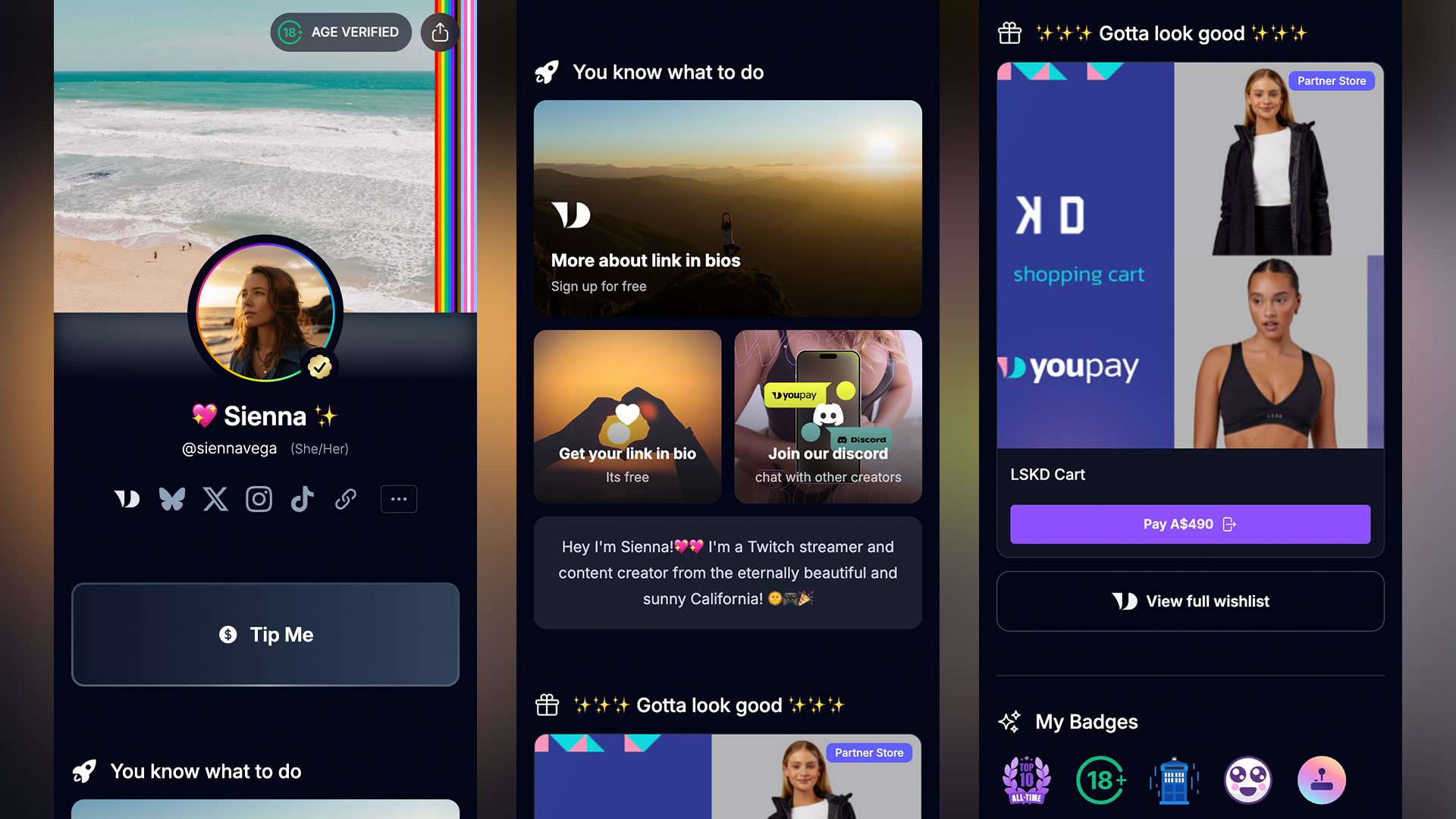
Meet YouPay Bio — our adult-creator-friendly link-in-bio tool with cash gifting and your wishlist built right in. It auto-generates from your social links, and you can customize it with your preferred links, cards, photos, and featured gifts. One link in every bio, every caption, every pinned post.
You’re Ready. Go Make It Yours.
Your wishlist is about you: who you are, what you want, and how you’re going to get it. The creators who receive the most gifts aren’t lucky — they’ve just made gifting feel personal. Now you know how to do the same.
Want to go deeper on the artistic side? Our referral partner Honey wrote a brilliant wishlist makeover guide. And you’ll find more creator resources, featured creator interviews, and updates on our blog.
YouPay, your way. 💜