When you work in the adult creator space, you learn quickly that your platform tools matter just as much as your content. Branding, organization, and ease of use aren’t luxuries — they’re part of how you sustain yourself long term.
That’s why we’re excited to share three new features on YouPay designed to give creators more control, more clarity, and more room to express who they are.
✨ Interest Badges – Let Them Know Who You Are
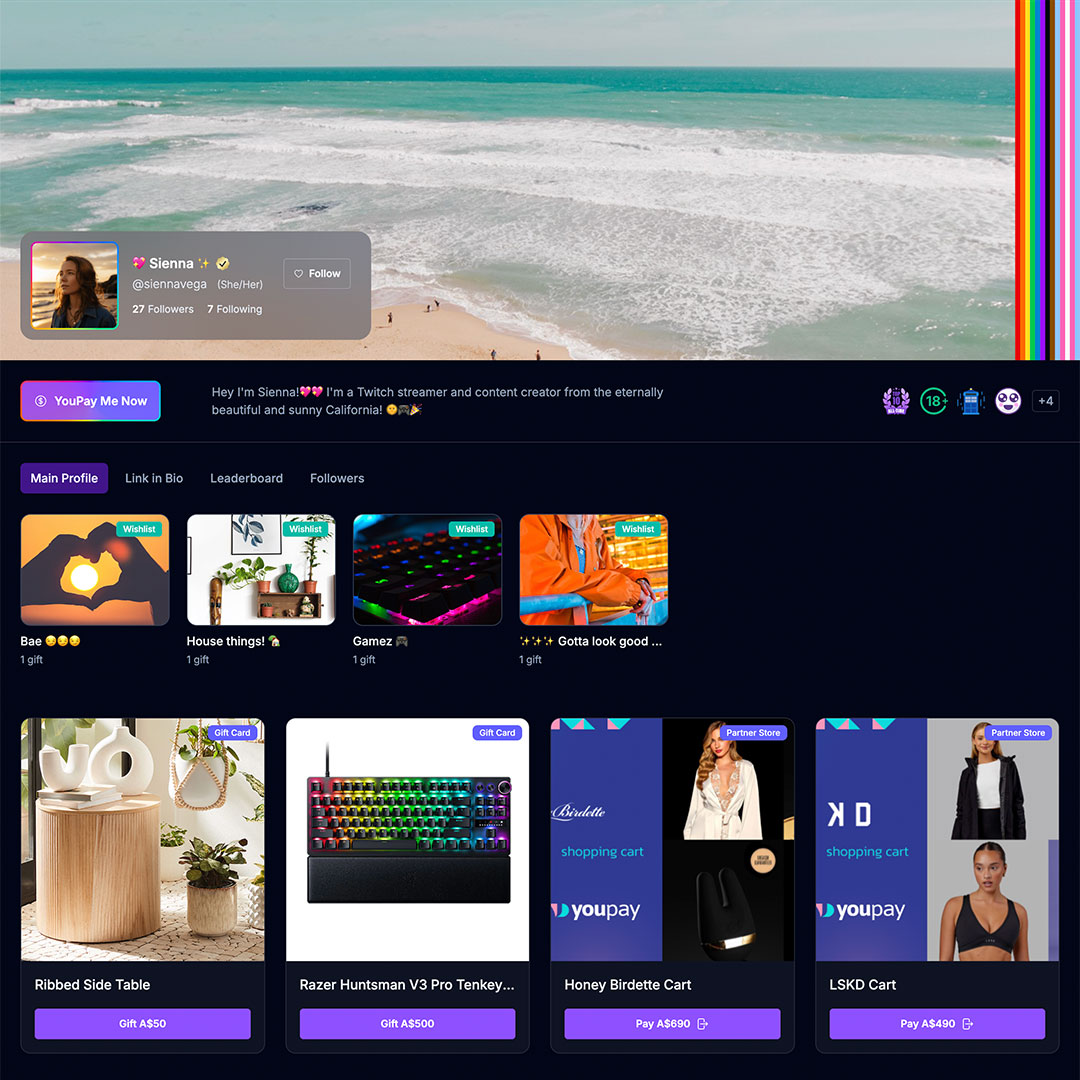
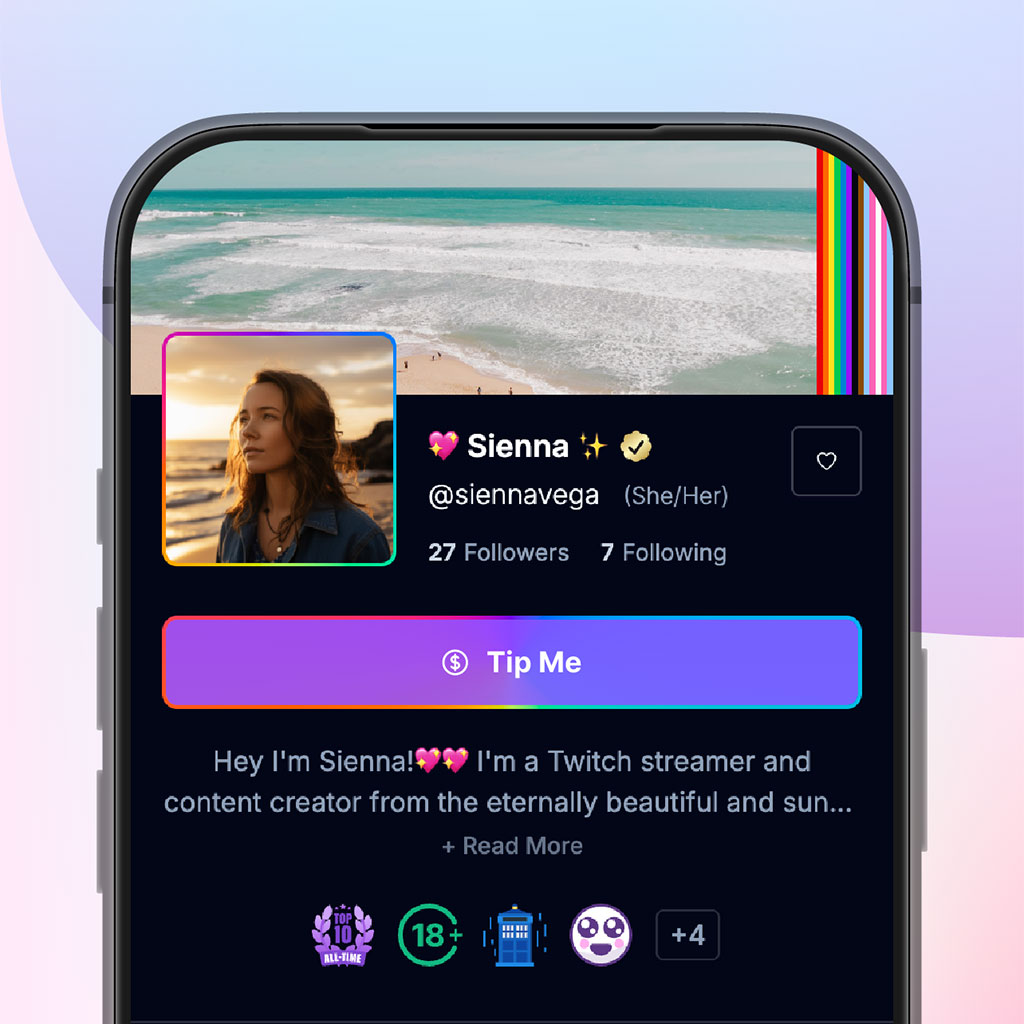
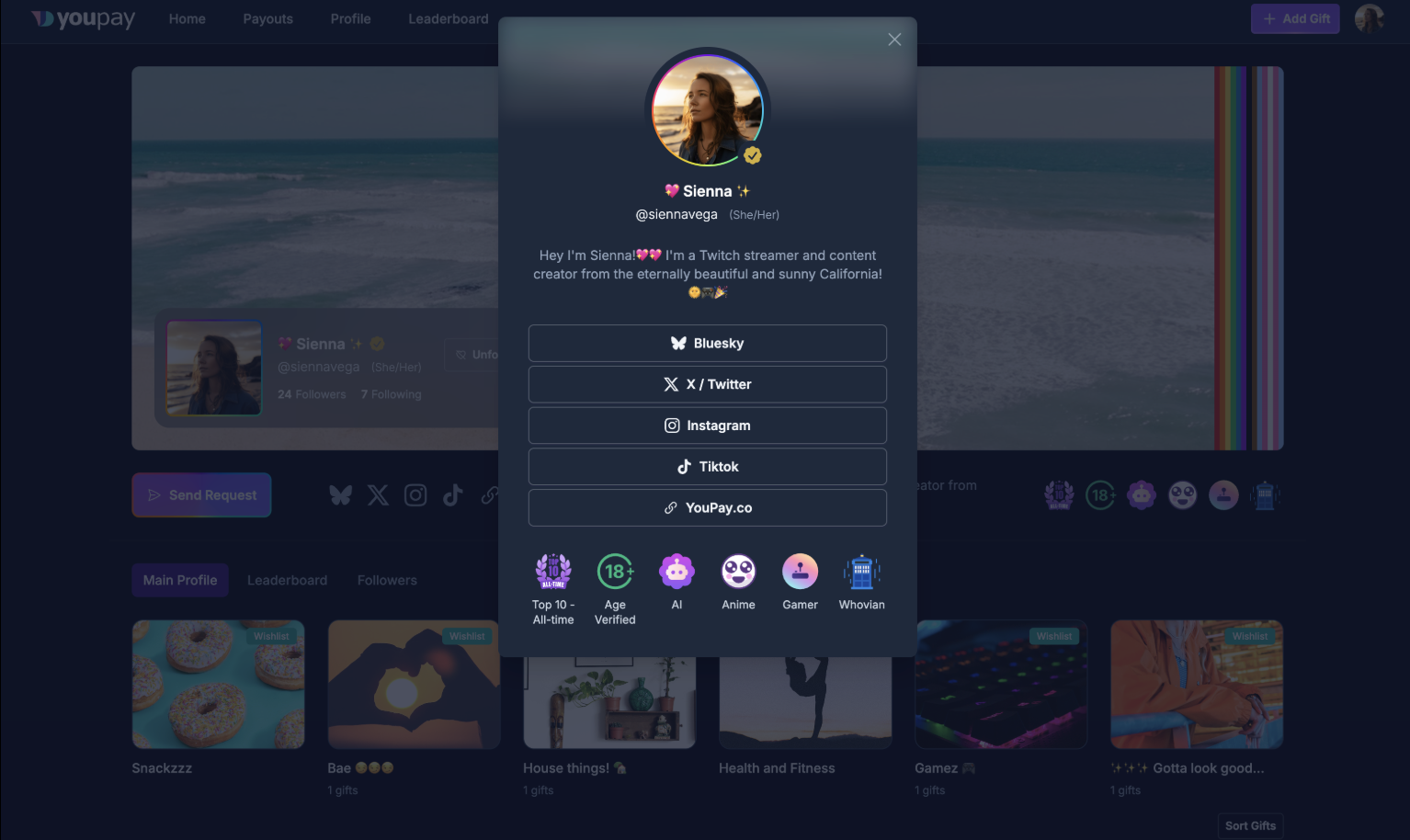
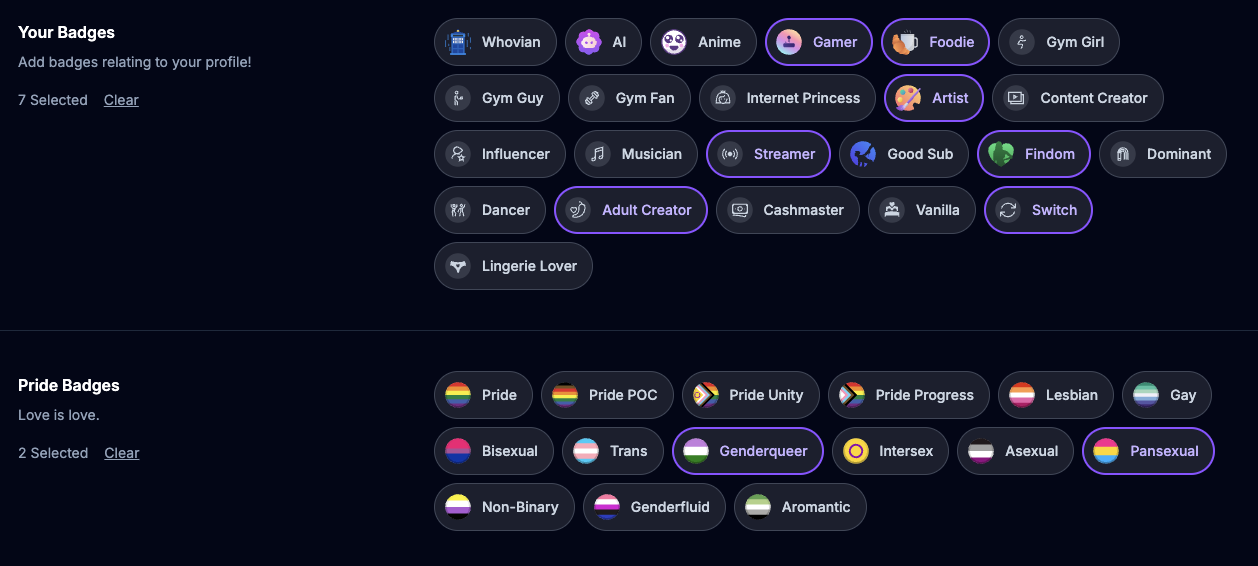
A feature that allows creators to highlight personal interests and identities directly on their profiles. Your work doesn’t exist in a vacuum. You’re artists, gamers, anime fans, cosplayers, writers, gym fans, and so much more. You can also choose Pride Badges to share their sexuality or gender identity if you wish! In a space where connection and authenticity matter, these badges make it easier for fans to understand not just what you create, but who you are. It’s a small detail that meaningfully strengthens personal branding and community alignment.
📊 Order Exports – Because You’re Hot and Responsible
We’ve also launched Order Exports, a long-awaited feature that brings much-needed ease to bookkeeping. Creators can now download an export of gifts they’ve received directly from their dashboard. To access this, navigate to Settings > Your Orders > Received Orders. At the top of the page, you can select your desired export period and create a new export. The file will generate on the Order Exports page, also located under the “Your Orders” menu. Depending on the size of the export, generation may take one to two minutes. For creators who track income carefully — whether for tax season, financial planning, or simply better business organization — this feature eliminates unnecessary manual tracking and makes record-keeping significantly more efficient.
🎨 Profile Themes – Main Character Energy Activated
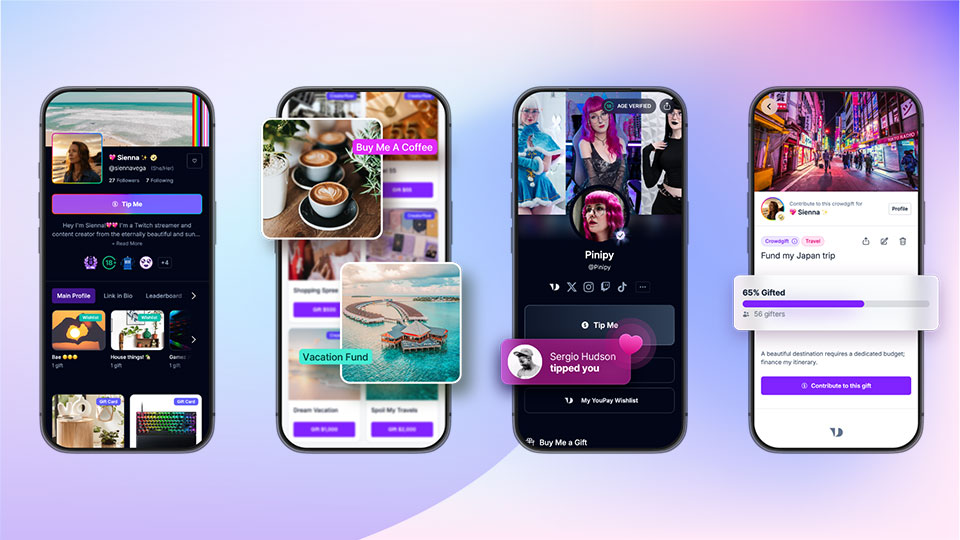
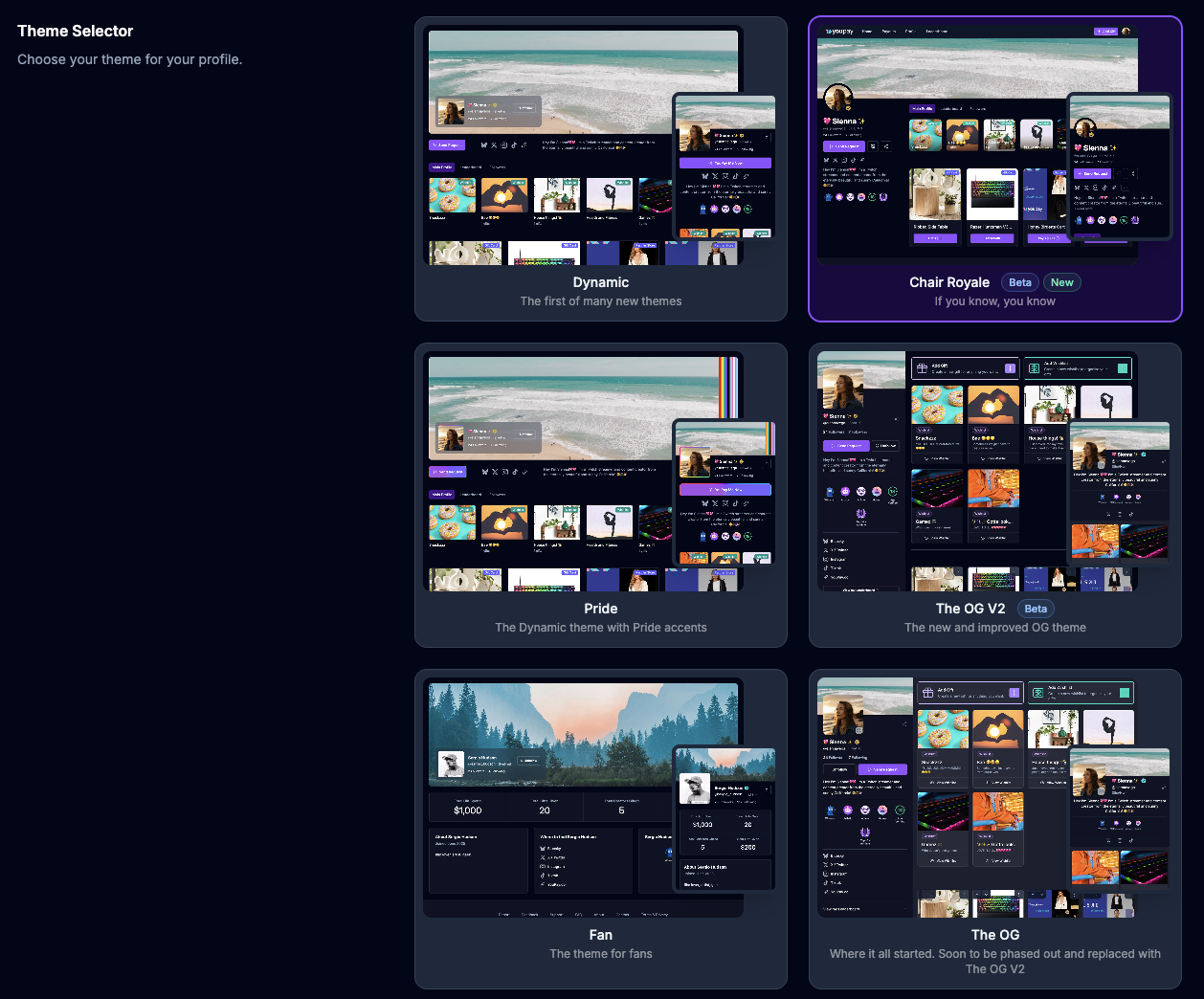
Lastly (for now), we’ve introduced more Profile Themes, expanding customization options so creators can better align their pages with their brand identity. There are currently six theme options available, including one specifically designed for fans who want to showcase their wishlist activity. To update your theme, go to Settings > Profile Settings > Theme Selector, choose your preferred option, and select Update Theme. Customization has always been central to how creators present themselves online. This update provides more flexibility to ensure your page feels cohesive, polished, and reflective of your personal aesthetic.
From clearer self-expression to streamlined financial organization and enhanced branding tools, these updates are built with the realities of your work in mind. As the creator economy continues to evolve, practical tools like these make a meaningful difference in how creators and businesses supporting creators operate, grow, and connect.